10 years of Android
A walk down the memory lane
10 years of Android
A walk down the memory lane
Recently Android celebrated it’s 10th Birthday on October 22, The day when it was officially debuted on the T-Mobile G1 10 years ago (October 22nd, 2008). Here is a walk down in its memory lane and some facts on the operating system that powers 88 percent of the mobile devices in the world. As a huge fan of Android on it’s 10 Birthday I did a quick study of its evolution as a platform.
Android Inc. was founded in Palo Alto, California, in October 2003 by Andy Rubin, Rich Miner, Nick Sears, and Chris White.The early intentions of the company were to develop an advanced operating system for digital cameras. The company then decided that the market for cameras was not large enough for its goals, and by five months later it had diverted its efforts and was pitching Android as a handset operating system that would rival Symbian and Microsoft Windows Mobile. In July 2005, Google acquired Android Inc. for at least $50 million.Pre-commercial beta release of Android 1.0 was released on November 5, 2007.
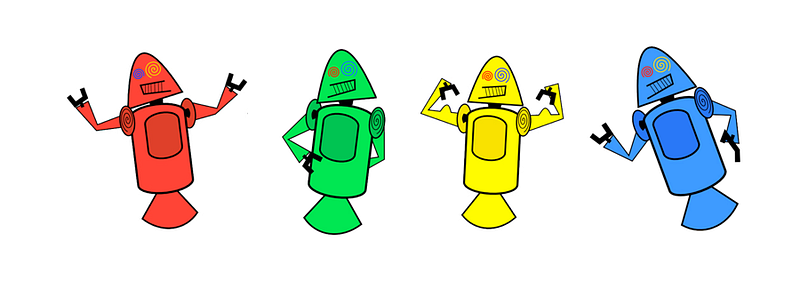
Dan Morrill’s ‘Dandroids’
Did you know?
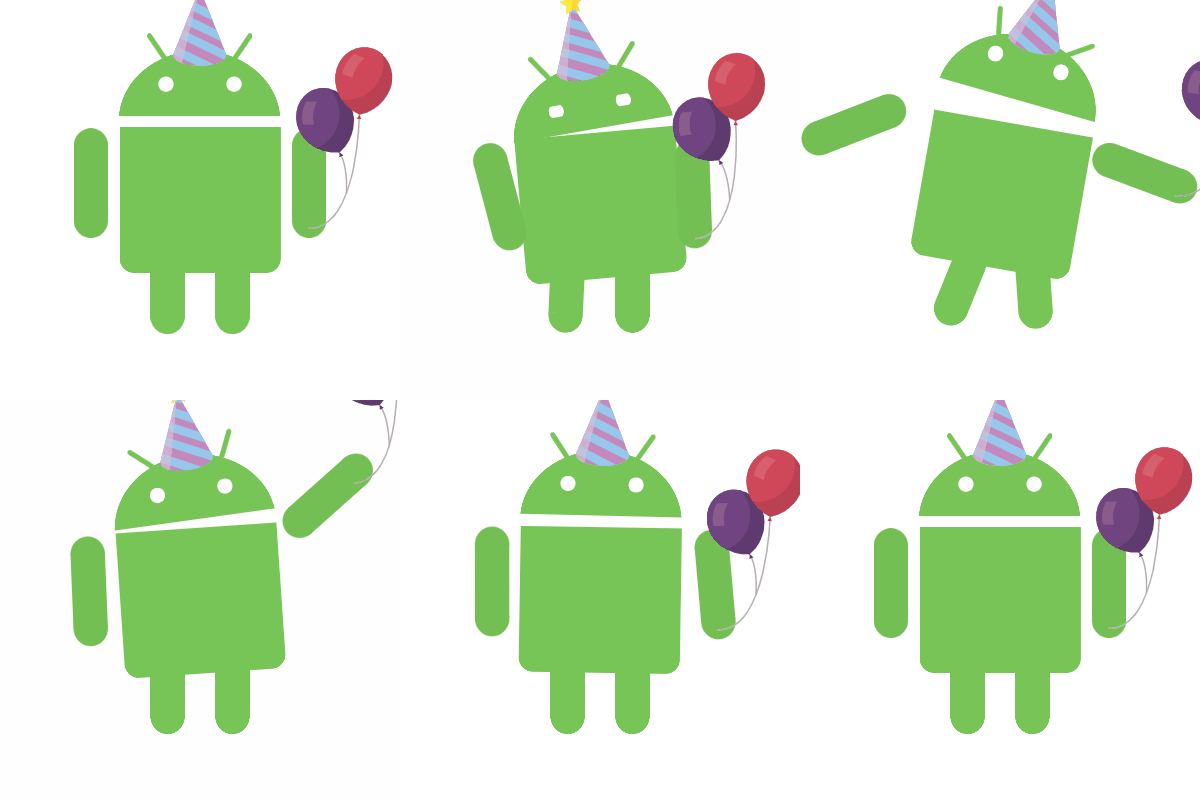
In 2007, Dandroid’s were initially created for internal developer launch of Android which was later replaced by “Bugdroid” Irina Blok created. Like Android, the logo was designed to be collaborative that everybody in the world could easily customize and create different versions of it.
“You give a life to this individual, and then they have a life of their own — Irina Blok”
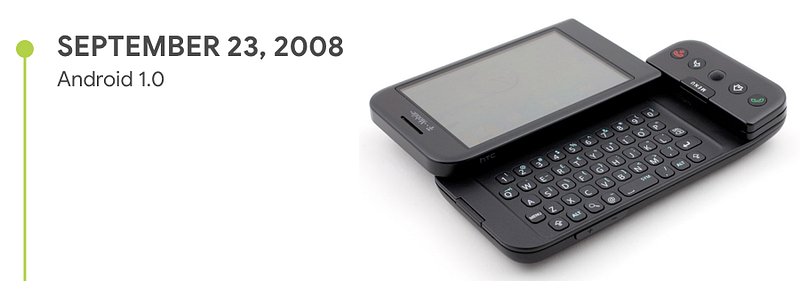
The official version of Android 1.0 was released in October 2018 with the release of T-Mobile G1.
Though it was the first version Android 1.0. It was packed with some noteworthy feature set like Pull Down Notification, Home Screen Widgets, Android Market, Gmail, Google Maps, Camera, WiFi, Bluetooth support etc.
February 2009 was the first time over-the-air (OTA) update was sent to devices for updating from Android 1.0 to 1.1 and the internal code name for 1.1 was “Petit Four”.
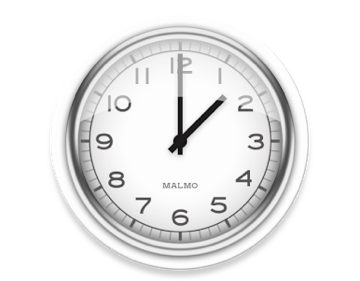
Did you know?
The first version of Android was designed by Sweden’s “The Astonishing Tribe” agency who left an easter egg on the clock widget “Malmo” their home location.
Within a couple of months, Android 1.5 was launched and the tradition of naming the operating system after a popular sweet started here when Android 1.5 was named “Cupcake”
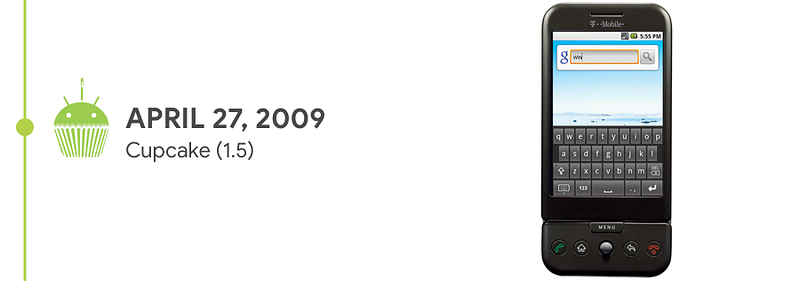
Cupcake had some delight for the developers with APIs for creating home screen widgets and notable improvements to mobile experience with the introduction of the on-screen keyboard, video recording, clipboard improvements, faster and more polished user interface in all applications.

With the release of Android 1.6 “Donut”, Android as a platform was built to support different screen sizes, CDMA support was built in enabling Android to be marketed potentially to hundreds of millions of subscribers across America and Asia. 1.6 also bought in the ability for developers to include their content in search results, Quick Search Box replaced the Google search box for searching the internet, giving the ability to search different contents like applications, contacts, and so on — plus the internet. Android Market got a facelift with sections for the lists of top free and paid apps.

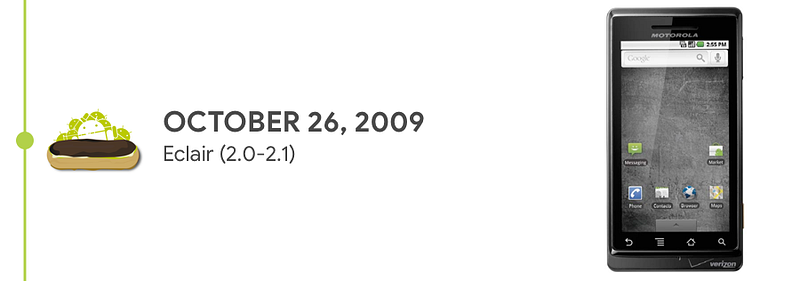
With android starting to get attention, Android 2.0 was a big refresh both visually and architecturally launching in the most powerful Android handset at that time Motorola Droid. Android 2.0 Eclair launched with voice guided turn by turn navigation, live wallpaper, pinch to zoom, multi-account support and letting manufacturers skin the android to match with their brand.
Did you know?
“Motorola Droid” was the first flagship mobile Google built with the partnership with Moto but Google never sold the Droid directly to the users. But works for the “Nexus One” started in partnership HTC during the period of Android 2.1.

Android 2.2, Froyo started with an exclusive release to “Nexus One” first. Google took inspiration from the skinning on the older versions done by other manufacturers and overhauled their home screen with the introduction of bottom dock. Froyo also introduced revamped gallery app with a 3D view, voice actions, hotspot and finally android added password, PIN lock additional to its famous pattern lock to increase security.

Did you know?
Google had actually outsourced its development to an outside firm to develop “Gallery App” for Froyo.
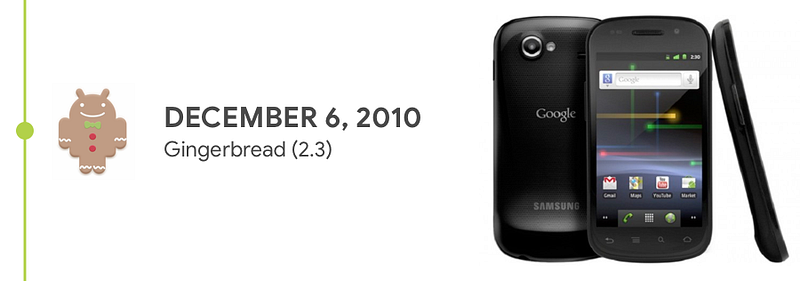
Andy Rubin generally regarded as the father of android introduced Android 2.3, Gingerbread along with support for NFC, Front Facing camera and improved tools for battery and app management. Along with Gingerbread came Nexus S in partnership with Samsung with curved-glass display losing the trackball. Google decided to move from hardware navigation of the user interface. Android also started to see the potential for the mobile gaming market by introducing Gaming API’s.
Did you know?
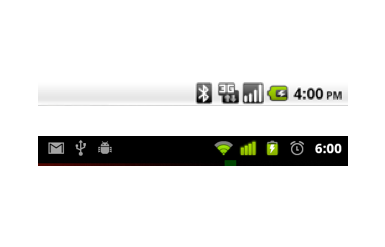
In Android 2.3, Status bar was inverted to black background and white text to reduce battery drain and the effects of burn-in on AMOLED displays.
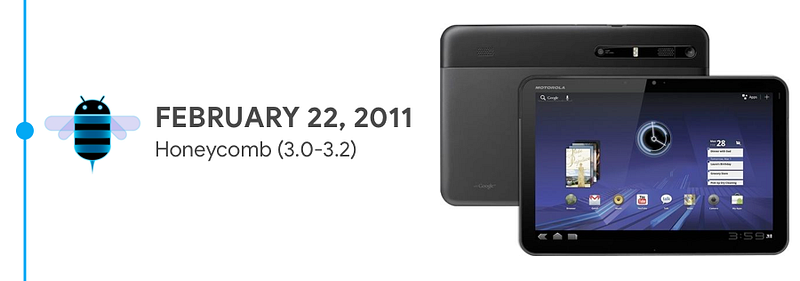
During this time Android pivoted towards the Tablet market by launching Android 3.0 Honeycomb exclusively for tablets launching Motorola Xoom.
By bringing in Matías Duarte, android moved in a new direction with the introduction of blue accents replacing the droid green. Holographic Design added depth with the usage of a card like UI for Honeycomb. Android 3.0 also introduced multitasking, on-screen virtual buttons for Back, Home, Menu, and Search giving birth to the system bar, Quick settings. Action bar with overflow menu button was also introduced during the same time.
Did you know?
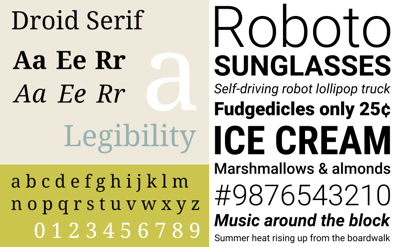
“Droid” was the system font before “Roboto”. Roboto was designed entirely in-house at Google by Christian Robertson as droid’s replacement.
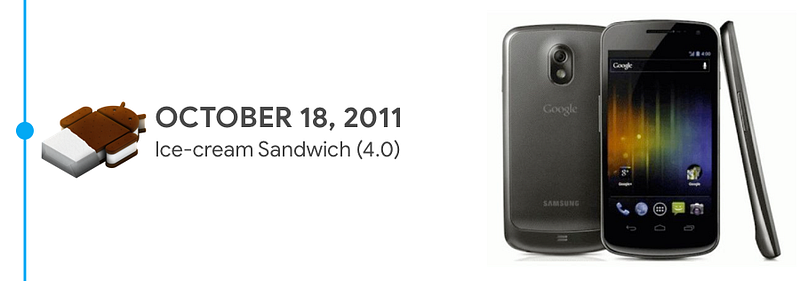
After the pivot with Tablet, Android returned back to focus on Mobile phones again with the release of Android 4.0, Ice-cream Sandwich. With the lessons from Honeycomb Android 4.0 was designed with a goal to unify tablet and mobile phone’s user interface. Android 4.0 also showcased the Holo theme family, the further refined version from its initial debut in Android 3.0 standardizing design framework and reducing the development time. Google again partnered with Samsung to release “Galaxy Nexus” as a successor to “Nexus S”. Other notable features bundled with 4.0 was Swipeable notification, Android Beam, Favorite tray, App Folder, Face Unlock, Inline Spell Check, Data usage Analysis.
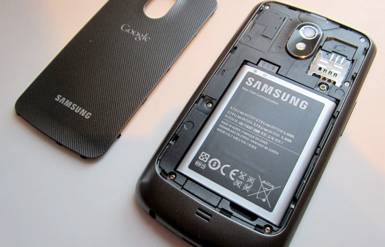
Did you know?
Galaxy Nexus was the last Nexus device to have a removable battery.
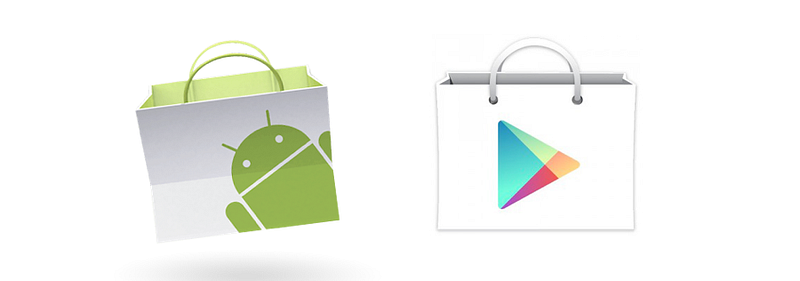
Google renamed Android Market to Play Store in March 2012.
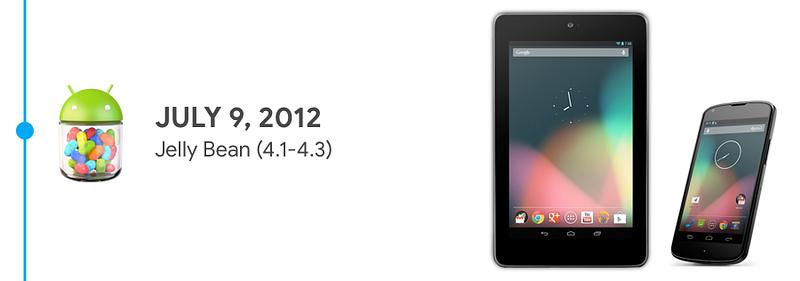
After the first not so good attempt with tablets Android 4.1, Jelly Bean was released to stay competitive in the market focusing on the performance and responsiveness thank to project butter.
Google “Project Butter” refers to an initiative for the Android mobile operating system to make the OS quicker and more responsive for users. Google Project Butter accomplished its “buttery smooth” responsiveness and “speed infusion” improvements via three main additions: triple buffering, which improves coordination and animation synchronization between the CPU, GPU and display; VSync, which improves graphical performance and increases frame rates to 60fps (frames per second); and touch responsiveness, which predicts a user’s upcoming actions of the screen in order to improve load times for those actions.
With subsequent point releases Jellybean received many improvements and features some notable ones being Google Now, Expandable and Interactive Notification, Multi-user support, Notification toggle, Photo-spheres, Daydream screensavers, Accessibility Enhancements, Miracast support, and Offline Voice Dictation support. Android 4.3 also brought in the concept of android being modularized platform. So the applications and the OS are kept apart so the updates can be more focused and quick for instance Gmail app can receive updates quite often rather than waiting for the next version of Android release. Nexus 4 (Phone), Nexus 7 (Tablet) and “Google Play edition” was also announced during the period of Jellybean.
Did you know?

Android 4.3 was the first operating system to support OpenGL ES 3.0 graphics a significant milestone in the mobile gaming industry.

Nexus 4 was the first Nexus device to have wireless charging capabilities.
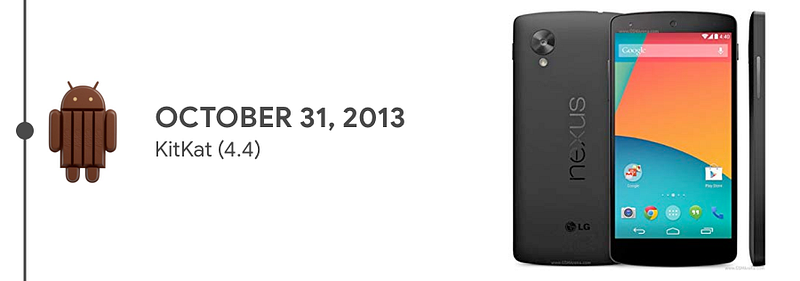
Android 4.4, KitKat came with the much needed modernized look to stay relevant for everyone. The notification bar was made transparent, Roboto was refined, apps got the ability to run completely full screen hiding the status bar and navigation buttons to provide more immersive experience. It also got a smart dialer, Google Now integration to the home screen, new app drawer,
emoji’s, HDR+ in camera and other productivity enhancements. Adding to this the launcher was made standalone.
Like Project Butter during the development of KitKat Google started another effort to minimize RAM use by system and apps across the range of Android devices in the ecosystem called “Project Svelte.”
Did you know?
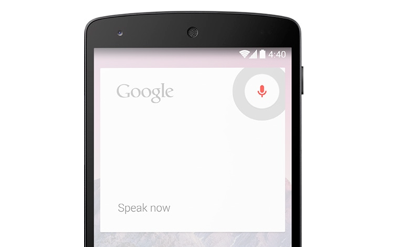
“Ok, Google” was first debuted in KitKat to launch voice search, send a text, get directions or even play a song.
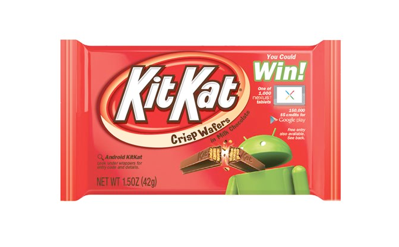
Android engineering head Hiroshi Lockheimer’s favorite candy bar was KitKat.
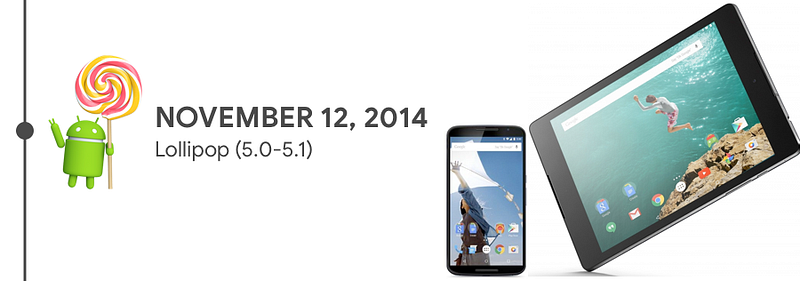
Android 5.0, Lollipop was one of the significant releases in Android it debuted “Material Design” for the first time. With Android 5.0 Android also started to move beyond mobile phones and tablets into wearable, TV, Automobiles. Apart from that notification where brought to the lock screen letting people have a quick glance without unlocking the phone.
Following Project Butter and Project Svelte during the development of Lollipop Google started another effort to improve the performance of battery called “Project Volta”.
As a result battery stat tracker called “Battery Historian” was developed to help developers to track apps battery usage.
Did you know?
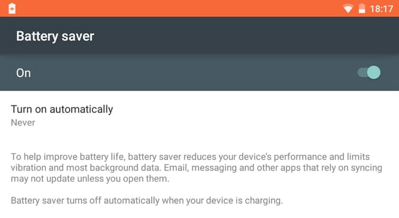
Battery Saver was first debuted in Android Lollipop as a result of “Project Volta”

With Android being the market leader holding 80% of the market share. Android 6.0, Marshmallow focused on some of the key areas such as application permissions bringing more power to the users and also introduced power management schemes known as “Doze” and “App Standby” which prevents low prioritized process running in the background to extend battery life. Marshmallow also brought in support for fingerprint recognition, USB-C. Google also started using their ML to power new features making Android more powerful than its competitors. One such feature was “Now On Tap”.
Did you know?

- Android One devices were debuted with Marshmallow.
- Nexus 6P is the first in the Nexus lineup with an “all-metal body”.
And from Marshmallow Google started to stick to one major version per year.

With Android 7.0, Nougat Android moved from just being on the flat screens to 3D space (Virtual Reality) with support for “Daydream” and also Google Assistant made mainstream with Nougat. Other notable improvements where Split Screen support, Data Saver, Notification Direct Reply, Bundled notifications and with Nougat Vulkan™ API lets you render high-performance 3D graphics on supported devices.
Did you know?
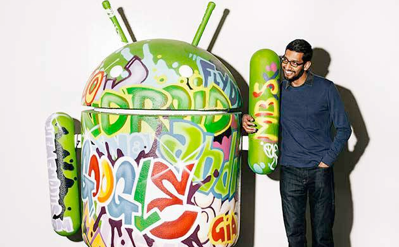
The deep integration between other Google Apps and Android was made possible when Sundar Pichai took over the Android platform under his leadership.
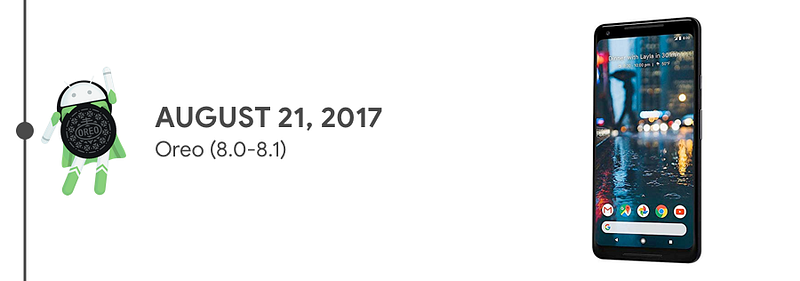
As the mascot suggested Android 8.0, Oreo was an adding superpower to the Android Platform. With its deep integration of Google Assistant with the device, 2x faster boot time features such as Auto Fill, Picture-in-picture, Notification dots, Android Instant Apps, Google Play Protect etc.
Did you know?
Go version of Android was first debuted along with Oreo to empower entry-level Android phones to experience the best of Android.
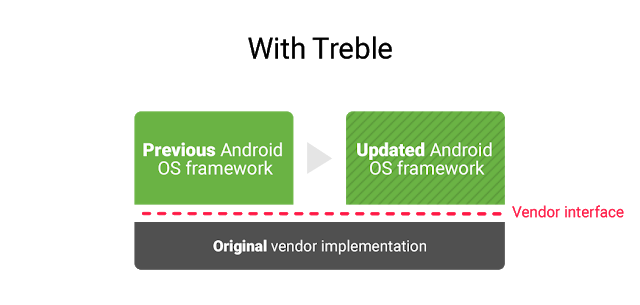
“Project Treble” was introduced as part of Android 8.0 Oreo, a major re-architecture of the OS framework.
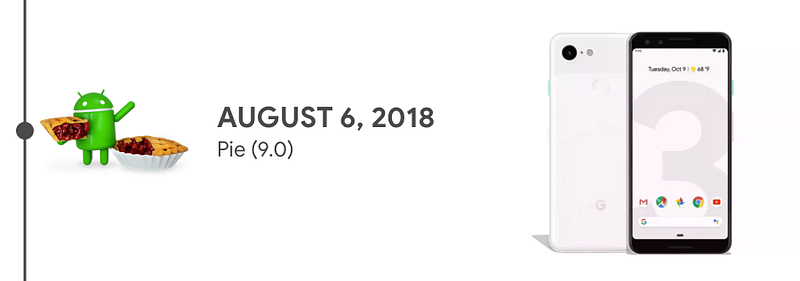
The latest version of Android is 9.0, Pie to simply put is the AI-powered mobile operating system. A system that adaptive to its user and the context right from battery life, brightness settings, to the application action. It also featured some notable features like gesture navigation, universal suggested reply, screenshot management and “Digital Wellbeing”
Did you know?
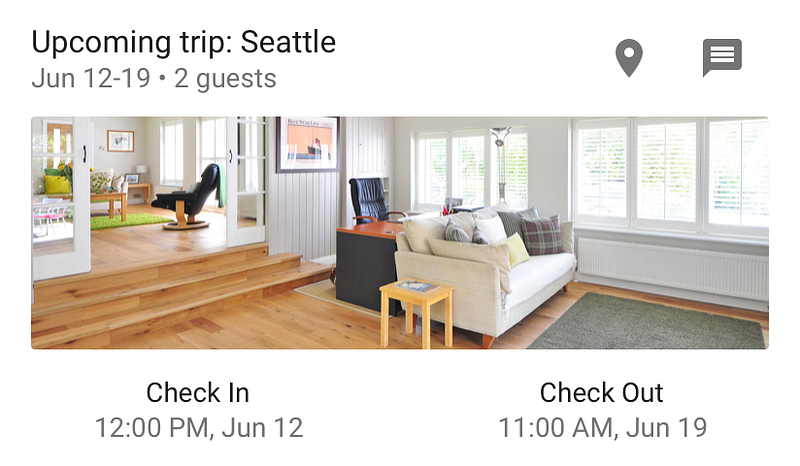
Slices are UI templates that can display rich, dynamic, and interactive content from your app from within the Google Search app and in other places like the Google Assistant.
Happy Birthday, Android, Here’s to many more years of innovation and evolution. #HBDAndroid
